Introduction
Odoo Community Edition is one of the most popular open-source ERP solutions, helping businesses manage sales, CRM, inventory, purchasing, manufacturing, accounting, and more. However, one question many users ask is:
Businesses today are no longer limited to office desks. Whether you’re a sales executive visiting customers, a warehouse manager tracking inventory, or a business owner monitoring operations, having access to your ERP system on a mobile device has become a necessity.
Can I use Odoo Community Edition on my mobile phone?
The short answer is yes—but choosing the right mobile solution is important.
While Odoo offers an official mobile application, it is designed for Odoo Enterprise (version 16 and later). This means businesses using Odoo Community Edition often need an alternative way to access their ERP system from Android or iOS devices.
Looking for a dedicated mobile solution for Odoo Community Edition? The Webkul Odoo Mobile App Wrapper enables businesses to access their existing Odoo instance on Android and iOS without changing their current setup.
In this guide, we’ll explore the available options and show you how to use Odoo Community Edition on mobile efficiently.
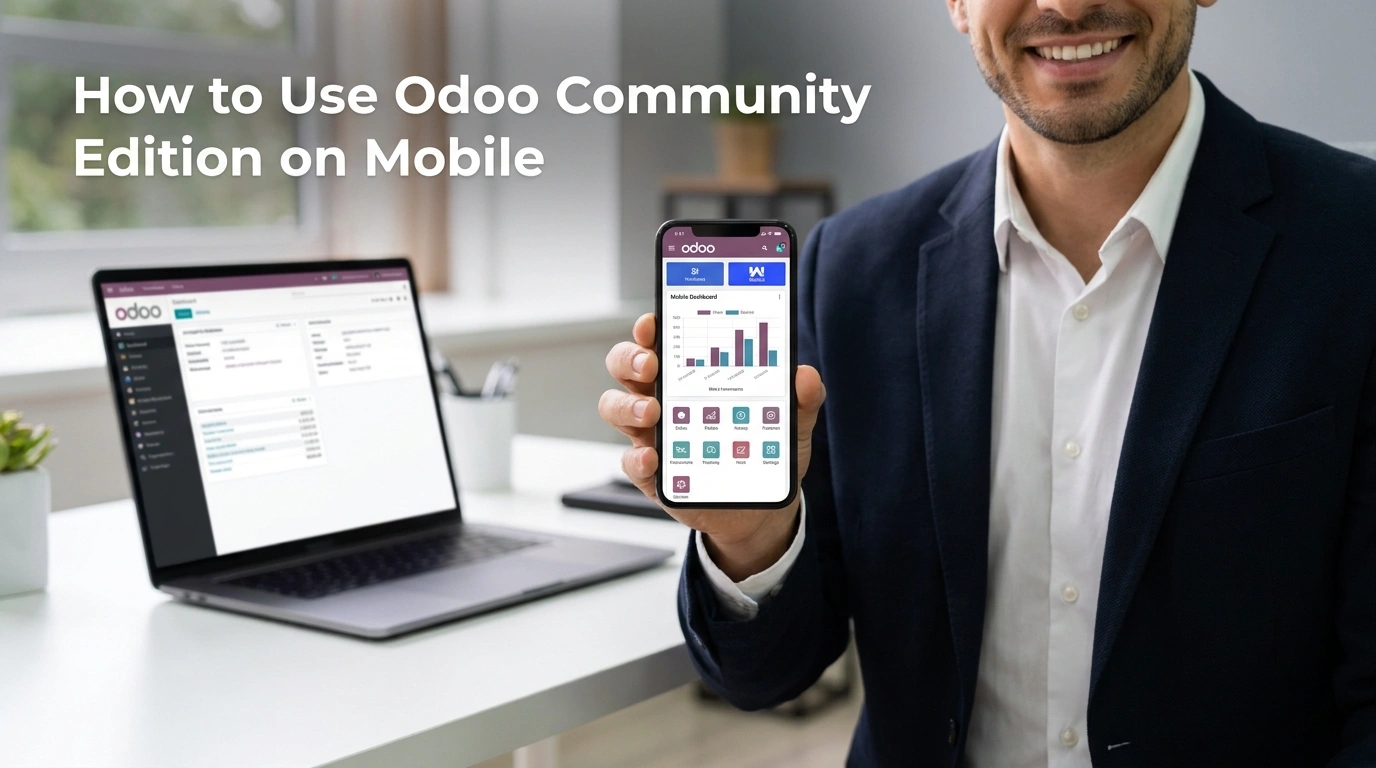
Why Mobile Access Is Important for Odoo Community Users
Businesses are becoming increasingly mobile. Employees need quick access to business information regardless of their location.
With mobile access to Odoo Community Edition, users can:
- Create and update sales quotations while meeting customers.
- Check inventory availability before confirming orders.
- Review purchase orders without opening a laptop.
- Access customer details instantly.
- Monitor ongoing business operations during travel.
- Stay connected with the ERP system from anywhere.
Instead of waiting to return to the office, users can complete routine tasks directly from their smartphones, improving productivity and reducing response times.
Can You Use Odoo Community Edition on Mobile?
Yes. There are two common ways to access Odoo Community Edition on a mobile device.
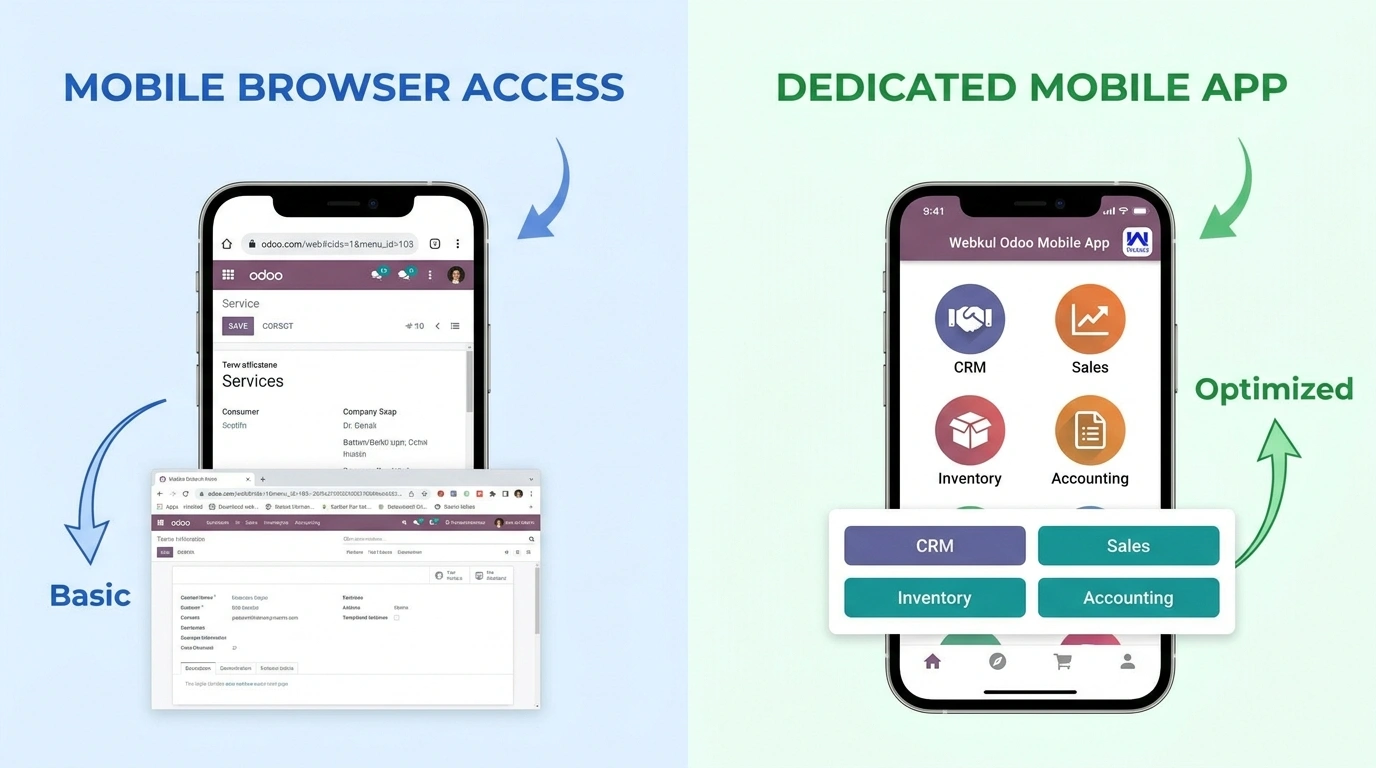
Option 1: Access Odoo Through a Mobile Browser
Since Odoo is web-based, you can simply open your Odoo URL in a mobile browser and log in using your credentials.
This method works, but the interface is primarily designed for desktop use. Navigating menus, managing forms, and performing daily tasks on a smaller screen can become less convenient, especially for users who frequently work on mobile devices.
Option 2: Use a Dedicated Mobile Application
A dedicated mobile application provides a more streamlined experience by allowing users to connect directly to their existing Odoo server from their smartphones.
For businesses using Community Edition, this approach offers a more practical and user-friendly way to access ERP features while on the go.
Does the Official Odoo Mobile App Support Community Edition?
This is one of the most common questions among Odoo users.
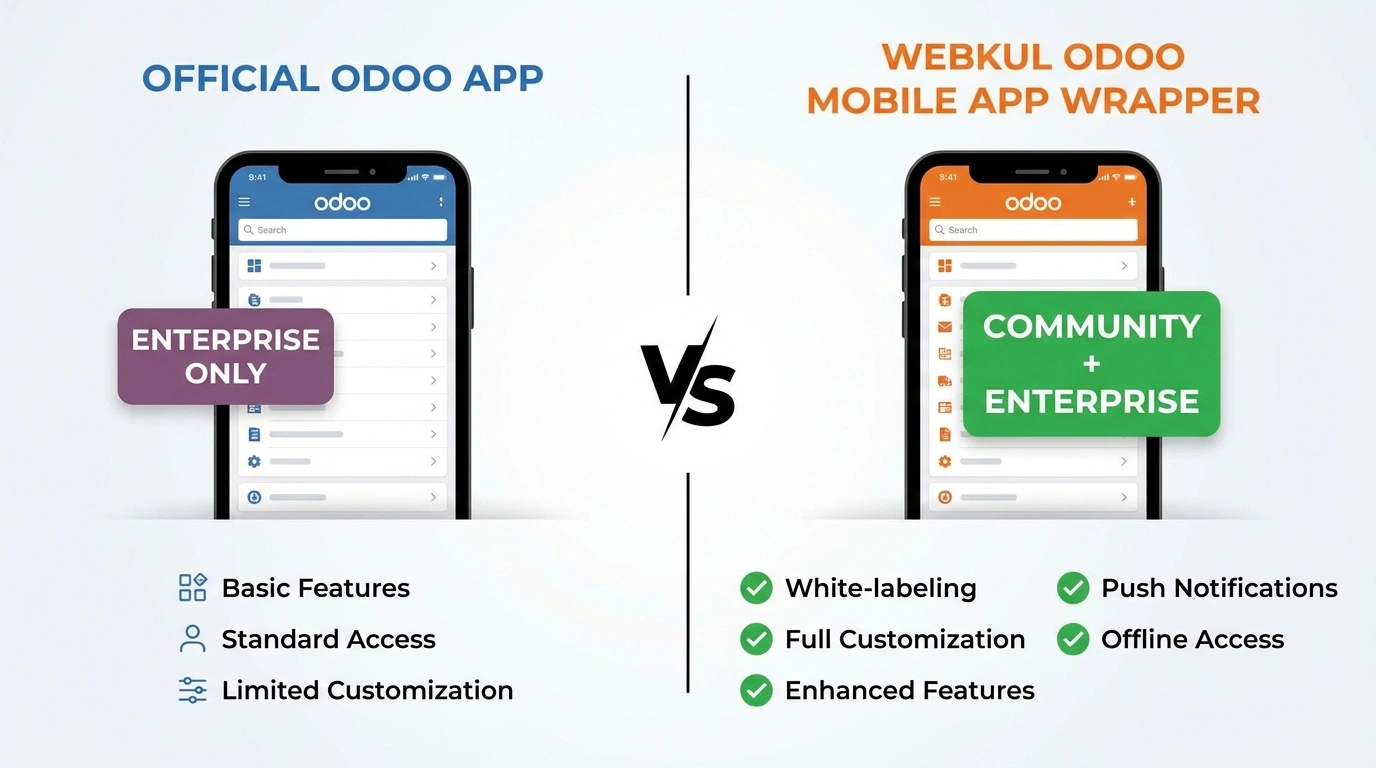
Odoo provides an official mobile app for Android and iOS. However, according to the current official app listing, it supports Odoo Enterprise (version 16 and later).
As a result, businesses using Odoo Community Edition may require an alternative mobile solution to access their ERP system through a dedicated app.
Introducing the Webkul Odoo Mobile App Wrapper
The Webkul Odoo Mobile App Wrapper is designed to help businesses use their existing Odoo installation on Android and iOS devices.
Instead of creating a separate ERP system, the app connects directly to your current Odoo server.
Getting started is simple:
- Install the mobile application.
- Enter your Odoo server URL.
- Select the required database.
- Log in using your existing Odoo credentials.
Once connected, users can access their Odoo backend from their smartphones without changing their existing workflow.
Key Features of the Webkul Odoo Mobile App Wrapper
Supports Odoo Community Edition
One of the biggest advantages of the Webkul Odoo Mobile App Wrapper is its support for Odoo Community Edition. This makes it an excellent choice for businesses using the open-source version of Odoo.
Also Compatible with Odoo Enterprise
The same application also works with Odoo Enterprise, making it suitable for businesses using different Odoo editions.
Connects to Your Existing Odoo Server
There is no need to migrate your data or create another ERP environment. The application works with your existing Odoo installation.
Database Selection
If your organization manages multiple Odoo databases, users can choose the appropriate database during login.
Mobile Access to Odoo Modules
Employees can access the Odoo backend from their smartphones, allowing them to stay productive while working remotely or traveling.
Android and iOS Support
The application is available for both Android and iOS, enabling businesses to support a wide range of devices.
White-Label and Customization Options
Businesses that want their own branded mobile application can customize the app with their logo, branding, and additional features based on specific business requirements.
Official Odoo Mobile App vs Webkul Odoo Mobile App Wrapper
| Feature | Official Odoo Mobile App | Webkul Odoo Mobile App Wrapper |
|---|---|---|
| Odoo Community Edition Support | ❌ | ✅ |
| Odoo Enterprise Edition Support | ✅ | ✅ |
| Android Support | ✅ | ✅ |
| iOS Support | ✅ | ✅ |
| Connect to Existing Odoo Server | ✅ | ✅ |
| Database Selection | ✅ | ✅ |
| White-Label Branding | ❌ | ✅ |
| Business-Specific Customization | ❌ | ✅ |
| Publish Under Your Own Brand | ❌ | ✅ |
Who Can Benefit from the Webkul Odoo Mobile App Wrapper?
The app is a great fit for:
- Small and medium-sized businesses using Odoo Community Edition.
- Retail stores and eCommerce businesses.
- Manufacturing companies.
- Warehouses and logistics teams.
- Sales representatives who work in the field.
- Business owners who need ERP access while traveling.
- Organizations looking for a branded mobile app connected to their Odoo system.
Why Choose the Webkul Odoo Mobile App Wrapper?
The Webkul Odoo Mobile App Wrapper is more than just a way to open Odoo on a phone. It provides businesses with a dedicated mobile solution that integrates with their existing Odoo environment.
Some of the key advantages include:
- Support for both Community and Enterprise editions.
- Quick and secure access to your existing Odoo server.
- A mobile-friendly experience for everyday ERP tasks.
- White-label branding for businesses that want their own app identity.
- Customization options to match unique business workflows.
- Support for Android and iOS devices.
These capabilities make it a practical choice for organizations that want to extend their Odoo system beyond the desktop and improve accessibility for their teams.
Conclusion
Mobile access has become an essential part of modern business operations. While Odoo Community Edition offers a powerful ERP platform, many organizations also need a convenient mobile experience for their employees.
If you’re looking for a dedicated mobile application that works with Odoo Community Edition, the Webkul Odoo Mobile App Wrapper provides an efficient solution. It connects directly to your existing Odoo server, supports both Community and Enterprise editions, and offers additional capabilities such as white-label branding and business-specific customization.
Whether you’re managing sales, inventory, CRM, or other ERP processes, you can stay connected to your business anytime and anywhere.
Get Started Today
Explore the Webkul Odoo Mobile App Wrapper and discover how it can help you bring your Odoo ERP to Android and iOS devices.